

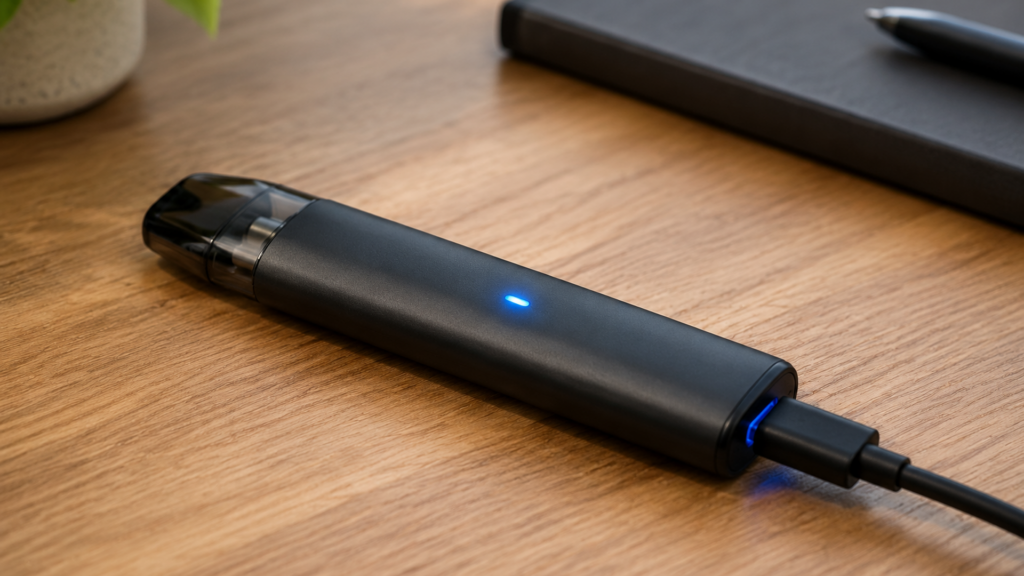
How to Charge a Vape Pen: The Short Answer
Most vape pens charge via USB-C or Micro-USB port— just like your phone. Plug the cable into the device, connect it to a USB power source (5V/1A recommended), and wait until the indicator light turns green or shuts off , usually 1 to 4 hours depending on the battery size. If your pen uses removable batteries like 18650s, you’ll need an external charger instead. That’s the quick version, and the rest of this guide covers each method in detail along with safety rules and troubleshooting tips.
Understanding Your Vape Pen Battery
Before we get into the how, it helps to know what you’re dealing with. Vape pens fall into two categories: integrated batteries and removable batteries. Integrated batteries are built into the device and can’t be taken out, which is what most disposable vapes, pod systems, and slim pens use. You charge them directly through a port on the device itself, and the advantage is simplicity , plug and play.
The downside is that when the battery dies permanently, the whole device is done. I’ve had a few pod systems where the battery gave out before the device stopped working, and there’s nothing you can do about it.
Removable batteries , typically 18650, 21700, or 20700 cells , are common in box mods and advanced vape pens. You take them out and charge them in an external charger, which means you can swap batteries when one dies and keep vaping while the other charges. The downside is you need to handle batteries with more care. I’ve seen too many people skip that part.
Most modern vape pens (2023 and newer) use USB-C for charging, while older devices use Micro-USB. To check which one your device has, look at the charging port , USB-C is oval and reversible, while Micro-USB is trapezoid-shaped and only goes in one way. For a broader overview of device types and battery systems, our guide on how electric cigarettes work covers the basics. I always check the port before buying a new cable.
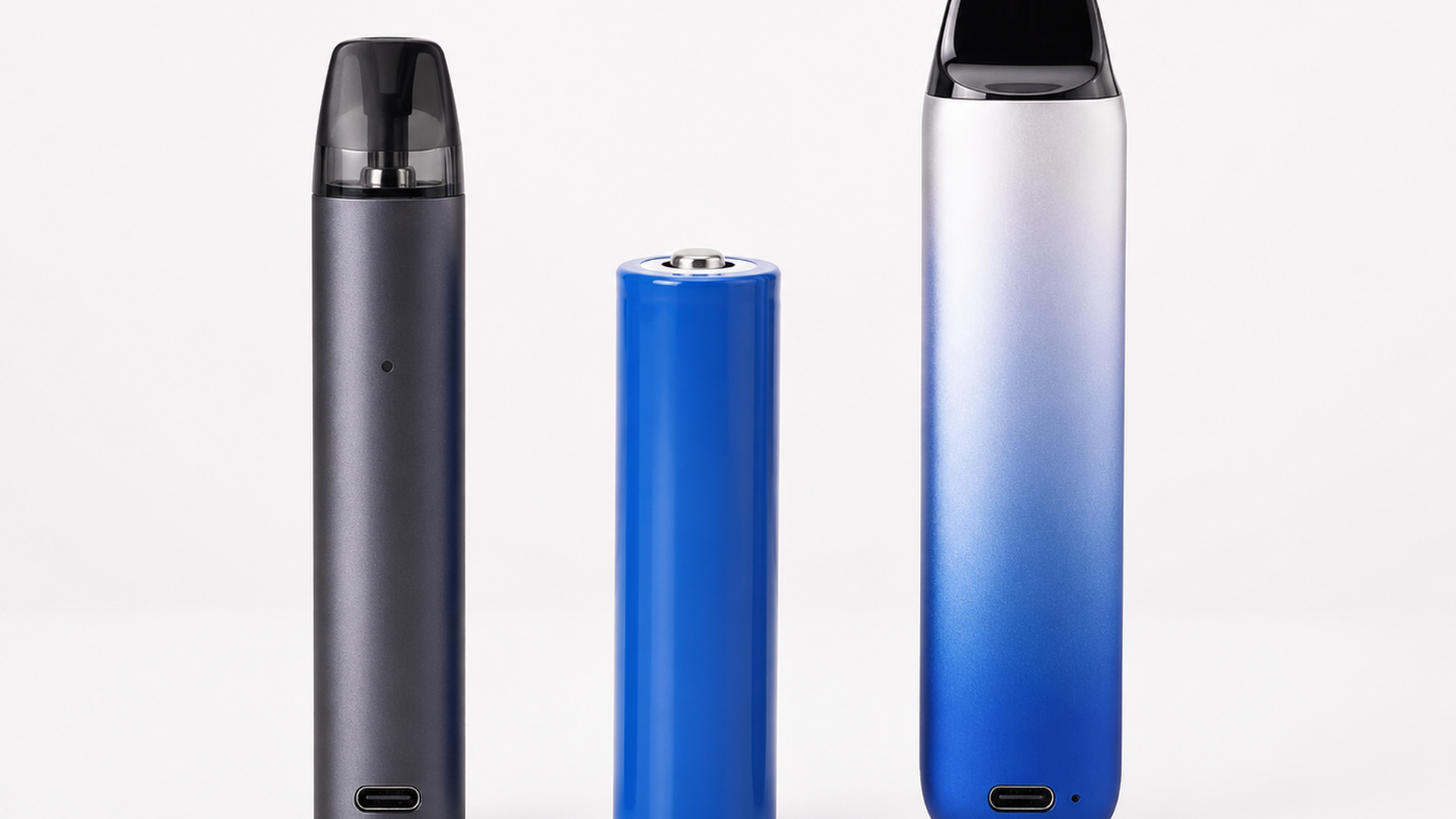
Method 1: Charging an Integrated Battery (USB-C and Micro-USB)
This is the most common method for modern vape pens. Here’s the step-by-step process:
Step 1: Locate the charging port. It’s usually on the bottom or side of the device, and some disposables hide it under a rubber plug , check the bottom carefully. I’ve missed this more than once on newer devices.
Step 2: Connect the cable. Use the cable that came with your device when possible, and avoid fast-charging adapters rated above 5V/2A. Higher voltages can push too much current and damage the battery over time. I learned this after a fast charger made my old device run hot.
Step 3: Plug into a power source. A computer USB port, a standard 5V/1A wall adapter, or a power bank all work fine. Avoid high-wattage phone chargers (30W+) , they can push too much current and damage the battery. I’ve seen a few devices get noticeably warm with fast chargers.
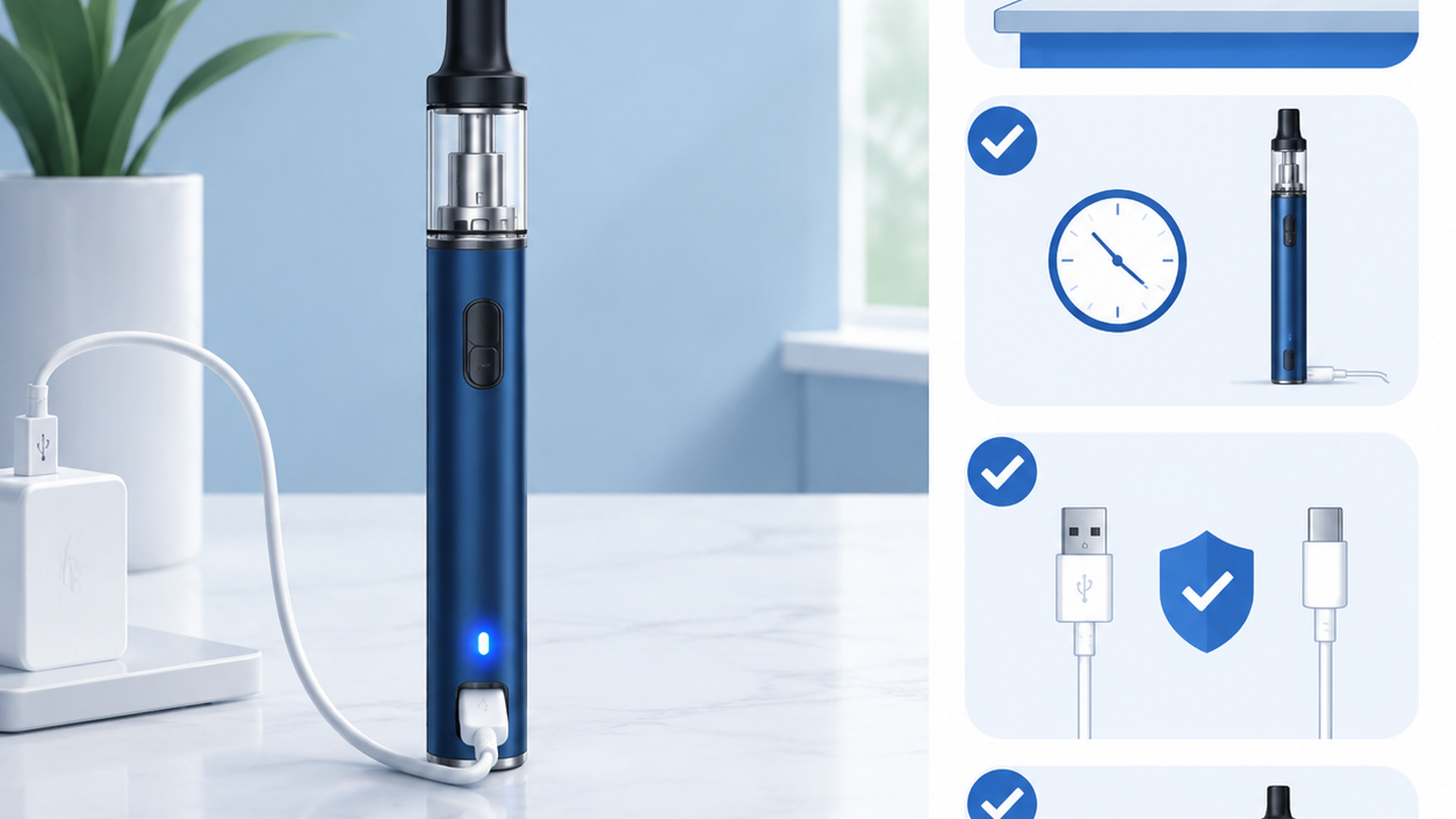
Step 4: Watch the indicator light. Most devices show a red light while charging, and when the battery is full the light turns green, blue, or shuts off completely. This usually takes 1 to 4 hours depending on the battery size.
Step 5: Unplug when done. Don’t leave it charging overnight because overcharging stresses the battery and reduces its lifespan over time. I know it’s tempting to plug it in before bed, though it’s a habit worth breaking. I charge mine during my morning routine instead.
For a deeper look at disposable-specific charging, check our guide on how to recharge a disposable vape.
Method 2: Charging Removable Batteries (18650, 21700, 20700)
For removable batteries, you need an external charger. Charging 18650s through the device itself is possible on some mods, though it’s slower and less safe than using a dedicated charger. Here’s how I do it:
Step 1: Remove the batteries. Take them out of the device and inspect them for dents, tears in the wrap, or any swelling. If you see damage, stop , don’t charge damaged batteries. I’ve had a battery with a tiny wrap tear that I almost missed.
Step 2: Insert into the charger. Most external chargers have spring-loaded slots, and you insert each battery with the correct polarity , positive (+) end matching the charger’s markings. Most chargers show a red light when charging and green when complete.
Step 3: Set the charge rate. For 18650 batteries, 0.5A to 1A is the sweet spot since higher rates (2A+) charge faster generate more heat, which reduces battery lifespan. Battery University recommends charging at 0.5C , that’s 1.5A for a 3000mAh cell. I prefer lower rates for longevity.
Step 4: Wait 2 to 4 hours. Most 18650s take about 2-4 hours to charge from empty at 1A, while 21700s take closer to 3-5 hours.
Step 5: Remove and store. Once charged, remove the batteries and store them in a plastic case. Never leave batteries in the charger longer than necessary. I keep a couple of spare 18650s charged and ready in cases.
If you’re shopping for replacement batteries, our guide to the best 18650 batteries for vaping covers the top options. For understanding the difference between sizes, see our comparison of 18650 vs 21700 vs 20700 batteries.
Method 3: Charging Rechargeable Disposables
Many modern disposables (2024-2026) include charging ports, which is a relatively new feature since older disposables were truly single-use. For disposables with a charging port, the process is the same as Method 1 with some important differences. Disposable batteries are typically smaller , 400 to 650 mAh , meaning charging time is shorter, usually 30 minutes to 2 hours. The battery is paired with a fixed amount of e-liquid, thus every charge cycle uses up more of the available juice.
Not all disposables are rechargeable, so check your device for a visible charging port before attempting to charge. Don’t try to force one open , that’s how batteries get damaged. For blinking issues during charging, our guide on why disposables blink and how to fix it covers the most common causes.
How Long Does It Take to Charge a Vape Pen?
| Device Type | Battery Capacity | Charging Time | Charging Method |
|---|---|---|---|
| Disposable (rechargeable) | 400-650 mAh | 30 min – 2 hours | USB-C / Micro-USB |
| Pod system | 800-1500 mAh | 1 – 2 hours | USB-C |
| Vape pen (integrated) | 500-1100 mAh | 1 – 3 hours | USB-C / Micro-USB |
| Box mod (single battery) | 2000-3500 mAh | 2 – 4 hours | External charger |
| Box mod (dual battery) | 4000-7000 mAh total | 3 – 5 hours | External charger |
Vape Pen Battery Safety
Lithium-ion batteries are generally safe, though they deserve respect. The CDC’s e-cigarette safety resources outline the key risks, and Battery University’s research on lithium-ion lifespan provides the science. Here’s what matters in practice:
Do charge: In a cool, dry place away from flammable materials at room temperature (50-86°F / 10-30°C), using the correct cable and adapter, and unplugging when the battery is full. I keep my charger on a ceramic plate , probably overkill, though it gives me peace of mind after seeing a friend’s charger melt a plastic surface.
Don’t charge: Overnight or unattended, in direct sunlight or a hot car, with a damaged or frayed cable, or when the battery is swollen, dented, or the wrap is torn. I’ve seen what happens when people ignore this , it’s not pretty.
Warning signs to stop immediately: The device gets hot enough that you can’t hold it comfortably, the battery is visibly swollen or bulging, you smell something burning or chemical, or the charging light behaves erratically. Upon seeing any of these signs, stop using the battery and dispose of it at a battery recycling center.
Troubleshooting: Common Charging Problems
| Problem | Likely Cause | Solution |
|---|---|---|
| Device won’t charge | Dead battery, bad cable, dirty port | Try a different cable. Clean the port gently with a dry toothpick. Replace the battery if removable. |
| Blinking light while charging | Connection issue, battery protection mode | Reseat the connection. Try a different USB source (computer vs wall adapter). |
| Charges very slowly | Wrong charger, old battery, cold temperature | Use a standard 5V/1A adapter. Warm the device to room temperature before charging. |
| Gets hot while charging | Overcurrent, damaged battery, wrong charger | Stop immediately. Use the correct charger. If the battery is damaged, replace it. |
| Light stays red for hours | Battery won’t reach full charge | Replace the battery— it has reached the end of its lifespan. |
| Works only while plugged in | Battery completely dead, won’t hold charge | Replace the battery. It’s beyond recovery. |
How to Extend Your Vape Battery Life
Based on Battery University’s research, lithium-ion batteries last longest when you follow a few simple rules:
Partial discharge is better than full drain. Li-ion batteries prefer shallow discharges, which means charging at 20-30% remaining rather than draining to 0%. A battery cycled at 20% depth of discharge can last up to 2,000 cycles, while one drained to 0% every time might only get 300 cycles.
No memory effect. Unlike older NiCad batteries, Li-ion doesn’t need full discharge cycles, meaning you can charge at any level without harming the battery.
Heat is the enemy. Don’t leave your vape pen in a hot car or in direct sunlight because high temperatures accelerate chemical degradation inside the battery. Storage at 40-50% charge in a cool place is ideal for extended periods of non-use. I learned this after killing a battery in one summer afternoon.
Replace aging batteries. When charging takes significantly longer than it used to, or when the battery doesn’t last as long as it did when new, it’s time for a replacement. Most vape batteries last 1-2 years with regular use.
Frequently Asked Questions
Can you overcharge a vape pen?
Yes. Most modern devices have overcharge protection that stops charging when full, though leaving it plugged in for hours after it’s fully charged still stresses the battery. Unplug when the light turns green.
How do I know when my vape pen is charged?
The indicator light changes color , typically from red to green, blue, or off. Most devices also stop drawing power when full, thus the light shutting off completely is a reliable signal.
Can I charge my vape pen with a phone charger?
You can, though avoid fast-charging adapters (30W+). A standard 5V/1A phone charger is fine since higher wattage chargers can push too much current and damage the battery over time.
Is it safe to leave a vape pen charging overnight?
Not recommended. While most devices have safety circuits, lithium-ion battery fires are rare yet real. Charge when you’re awake and nearby.
Why is my vape pen blinking while charging?
Usually a connection issue. Try a different cable, clean the charging port, or try a different USB source. If it keeps blinking, the battery may be in protection mode— or nearing end of life.
How often should I charge my vape pen?
Charge when the battery is low , around 20-30% remaining. Avoid fully draining it to 0% regularly because deep discharges reduce battery lifespan.
Can I charge a disposable vape?
Only if it has a visible charging port. Many modern disposables (2024+) include USB-C or Micro-USB ports, though some don’t. If your disposable lacks a port, it’s not rechargeable , don’t try to force it.
Final Thoughts
Charging a vape pen isn’t complicated, though doing it right makes a real difference in how long your device lasts. Use the right cable, avoid extreme temperatures, and don’t leave batteries charging unattended. That’s really all there is to it.
For more on getting started with vaping, check out our complete guide on how to vape correctly , it covers device selection and maintenance tips that pair well with proper charging habits.
Last updated: June 2026
Disclaimer: This article is for informational purposes only. Always follow the manufacturer’s instructions for your specific device. Nicotine products are addictive and may be harmful to health. Must be 21+ to purchase. If you experience battery issues, stop using the device and consult the manufacturer.




Build your vape knowledge
Read more guides
Find explainers, how-to articles and reference material.
Open guide library →Compare vape products
Check specifications across the product database.
Open product data →Read hands-on reviews
See tested devices and documented trade-offs.
Read review coverage →